With Seedance 2.0, I wrote a prompt and hoped it would turn out well. Seedance 2.5 does not work that way: it wants a detailed shot list, the kind a director prepares before shooting. I spent 13 years shooting and running a video production company, so the logic is familiar: what do we have, what is the scene about, what happens second by second, and which rules hold the whole clip together. Below is how I fill in each of the four blocks, where people usually go wrong, and a short template you can start from.
In short
Short answer: write a Seedance 2.5 prompt in four blocks. 1) What is loaded: give every reference a role. 2) A one-sentence synopsis. 3) A second-by-second shot list with action, camera movement and sound. 4) Rules for the whole clip: color, camera, style. Start with one or two references; five is the most I have ever used. The model reads English, but I write my final version in Chinese.
Why one line of text is no longer enough
Seedance 2.5 is ByteDance's video model, released on July 31, 2026. For a general overview of the model, see Seedance 2.5: what it is and how to use it. This article covers the prompt only.
For me, the prompt is the biggest change in 2.5. A short line like "a girl walks down the street, rain, cinematic" gives a random result: the model decides the angle, the pace and everything that happens between shots on its own. The four blocks do the opposite. You agree with the model in advance on everything it would otherwise guess.
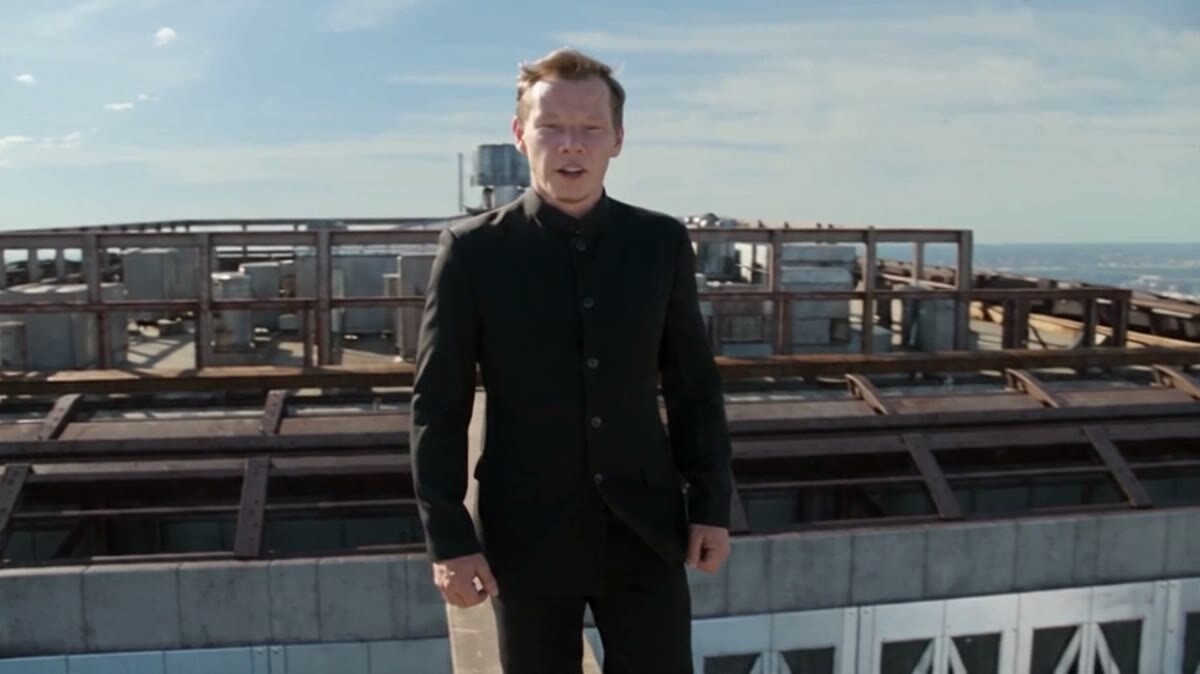
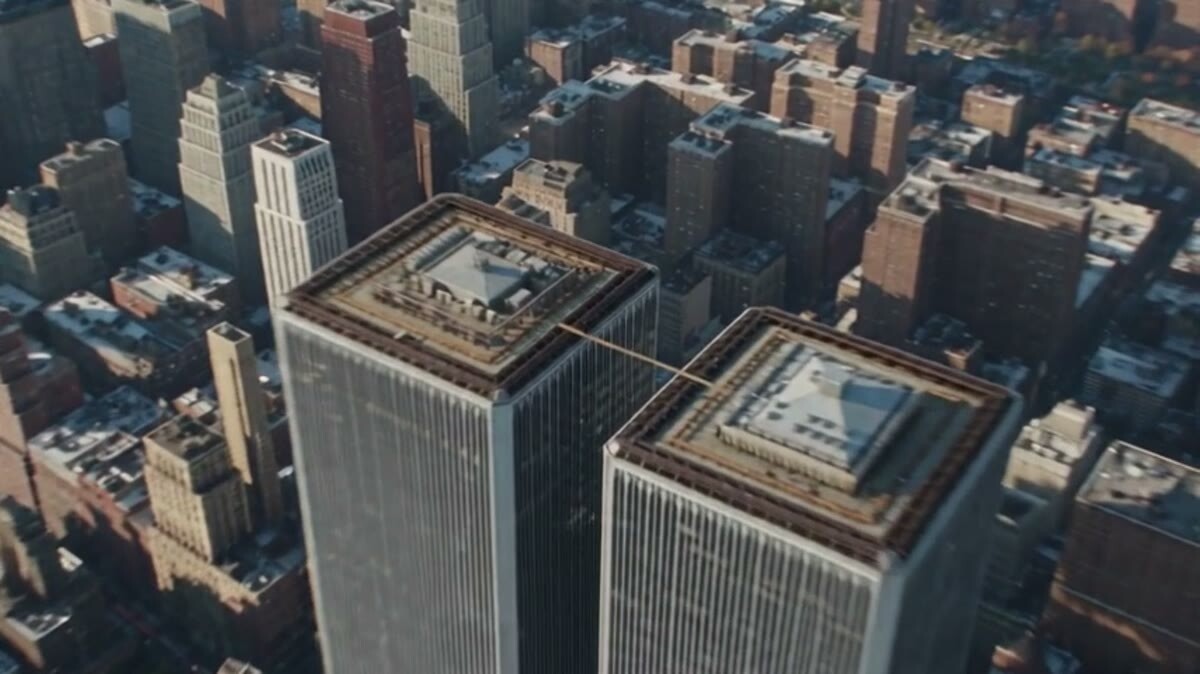
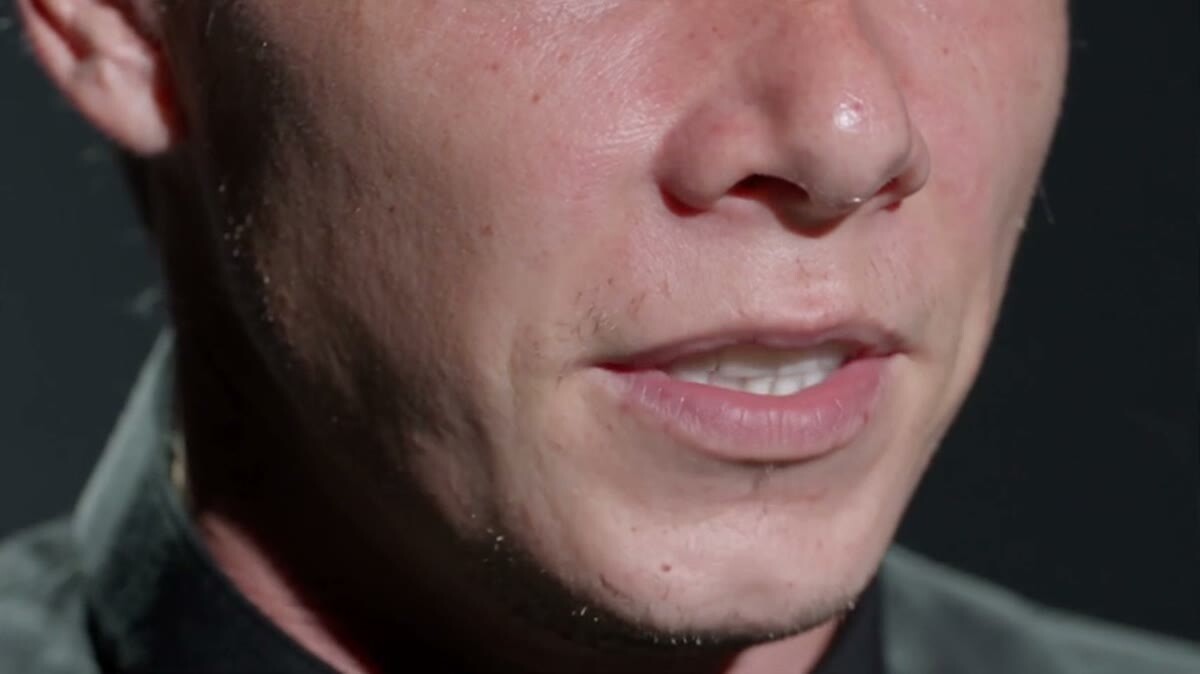
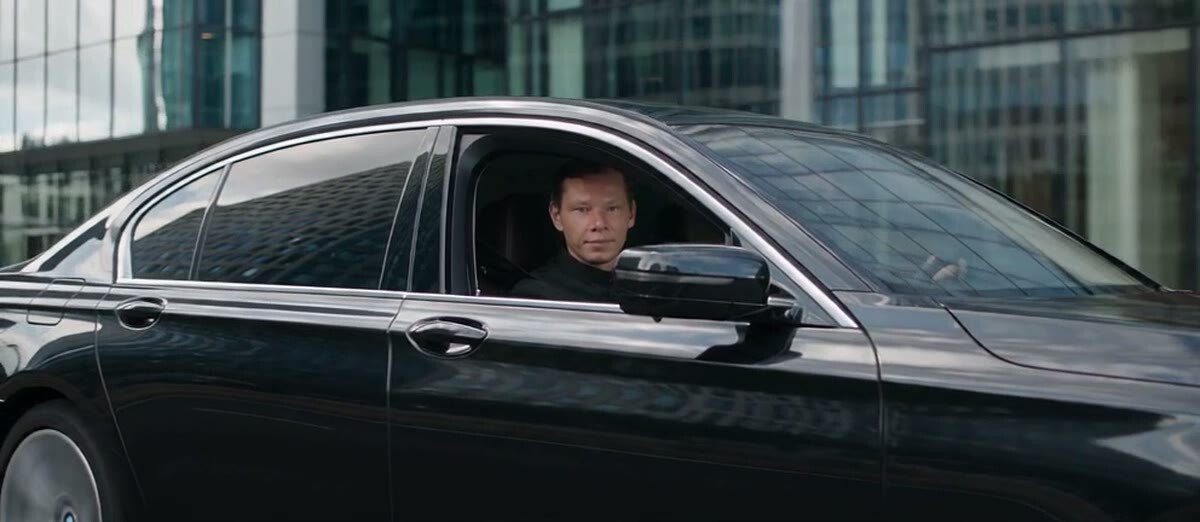
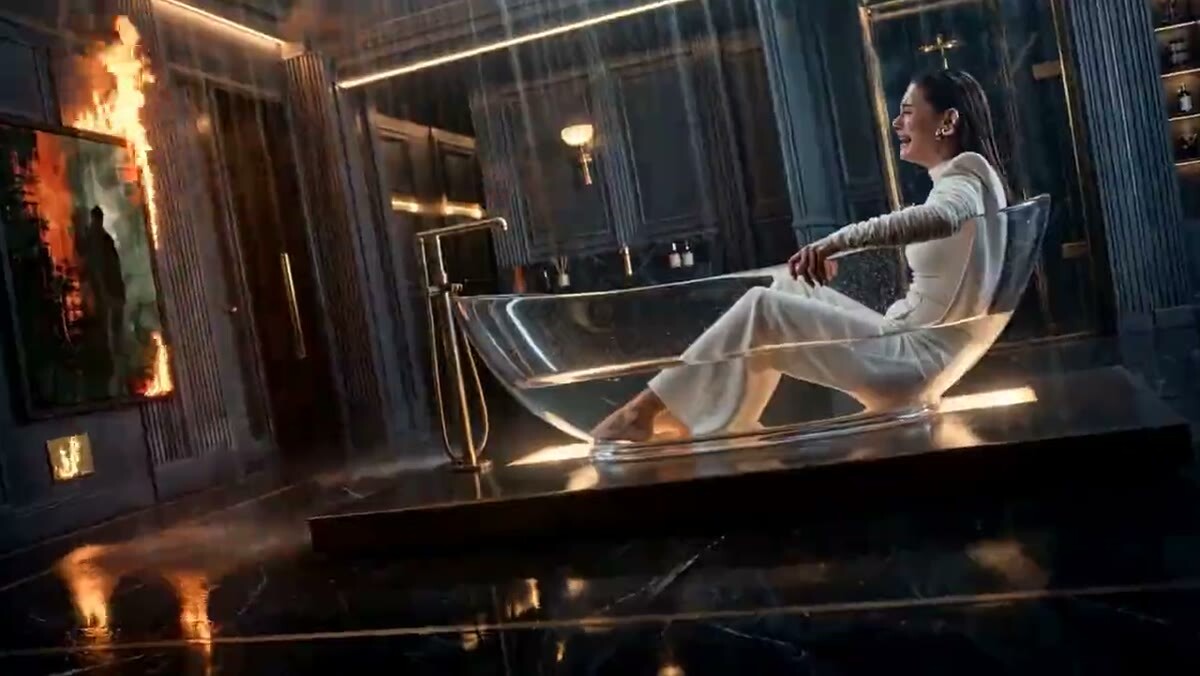
Here are frames from my own Seedance 2.5 experiments. A wide aerial shot like this is easy to describe in the first segment of a shot list.
A wide aerial shot: this is how a shot list can open
Block 1. What is loaded
In the first block you list everything you attached to the generation and say what each file is for. A photo of the character, a video that shows the camera movement, an audio track: every file gets a role. For example: "photo 1 is the character, video 1 is the camera movement."
Two things I learned in practice.
You need fewer references than you think. Seedance 2.5 accepts more of them than 2.0, but I have never used more than five. Too many photos often break the clip: a car parks in a strange way, characters get mixed up. One or two are enough for a first generation.
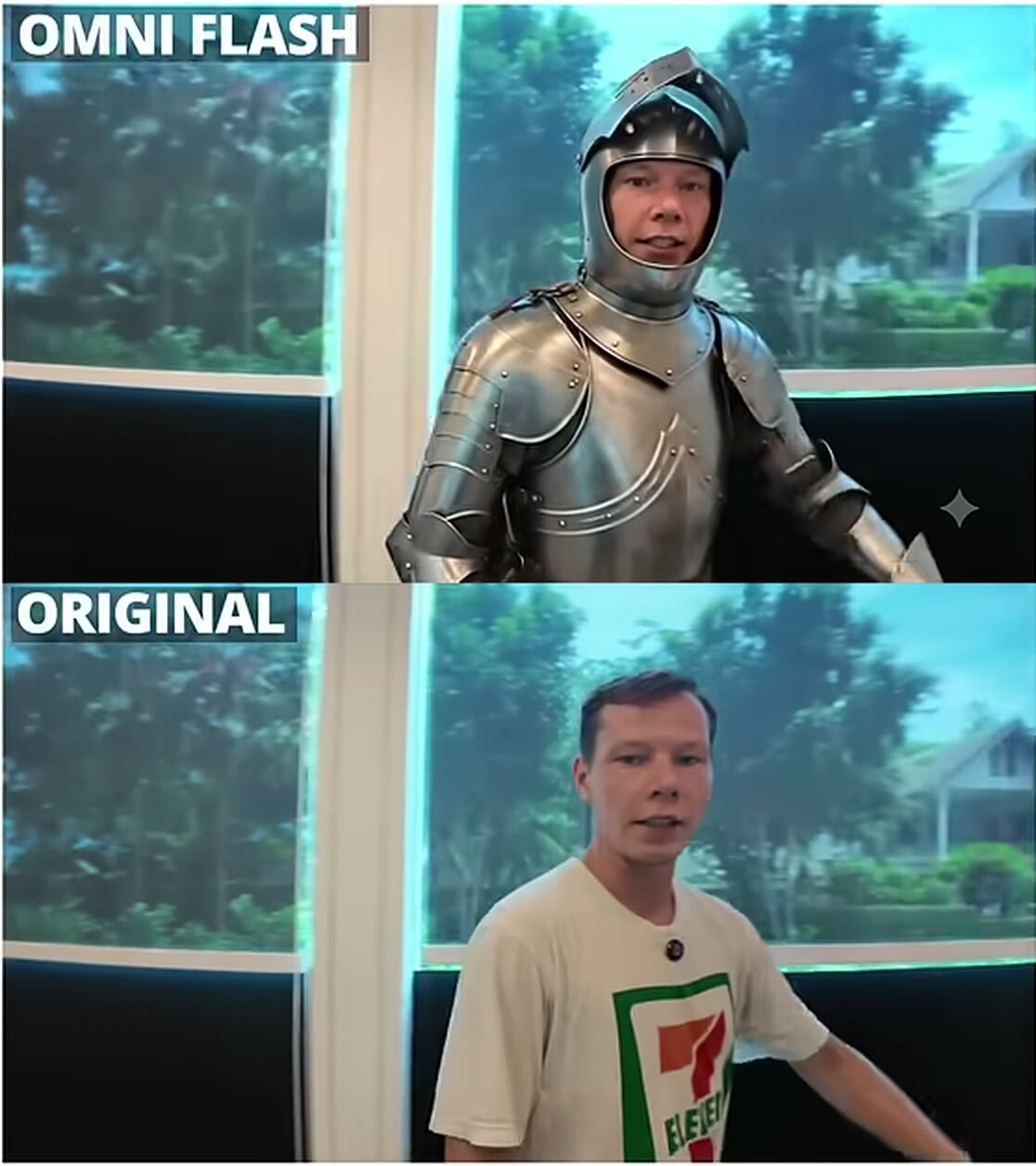
A reference can come with an exception. In 2.5 a file has a role and can also have a "do not take this" note. An example from my own lesson: "take the cat, do not take the sofa." If the cat sits on a sofa in the photo, you can tell the model to keep only the cat.
A video reference of a face costs noticeably more than a photo, but in my experience it gives a closer likeness. The general rule matters most: do not upload a file if you cannot name its role in one sentence.
Block 2. A one-sentence synopsis
The second block is short: what the clip is about, in one sentence, without details. For example: "A man walks out onto a skyscraper rooftop and speaks to the camera."
The temptation is to write a paragraph. Don't. The details live in block three; the synopsis only gives the model a frame. If you cannot say the sentence in one breath, the clip is not ready yet, and generating it is premature. It is cheaper to find that out on paper than in credits.
A character on a rooftop: a scene that fits in one sentence
Block 3. A shot list by the second
This is the main block, and it is where 2.5 differs most from 2.0. I write it like this: "seconds 1 to 3: wide aerial shot, the camera slowly descends; seconds 3 to 6: the character steps into frame, camera at eye level; seconds 6 to 9: close-up." The second-by-second breakdown sets the pace for the model. I recommended it for 2.0 as well, but in 2.5 it became the core of the prompt.
What I always put into each segment:
Who is in frame and what they do. A concrete action, not a mood.
Where the camera is and how it moves. Wide shot, close-up, push-in, orbit.
What you hear. The model generates sound itself. If I am going to add music later, I ask for "no music, only sound effects": a clean sound design now, music in the edit.
A formula from my earlier prompts still helps: who, where they are, what they do, which camera, which light, which atmosphere, which style. Make sure each segment answers those questions.
Describe what is outside the frame. If the camera should change angle, the model needs to know what is beyond the edge of the picture. Once I did not describe what was around the character. Seedance invented the space on its own, and I spent a pile of money on generations before I explained to it where he was sitting.
The model reads subtext. I wrote that a character's chin starts to tremble. That is a setup for crying, and the model understands such things, not only direct actions. So instead of "a sad girl," write what the camera sees.
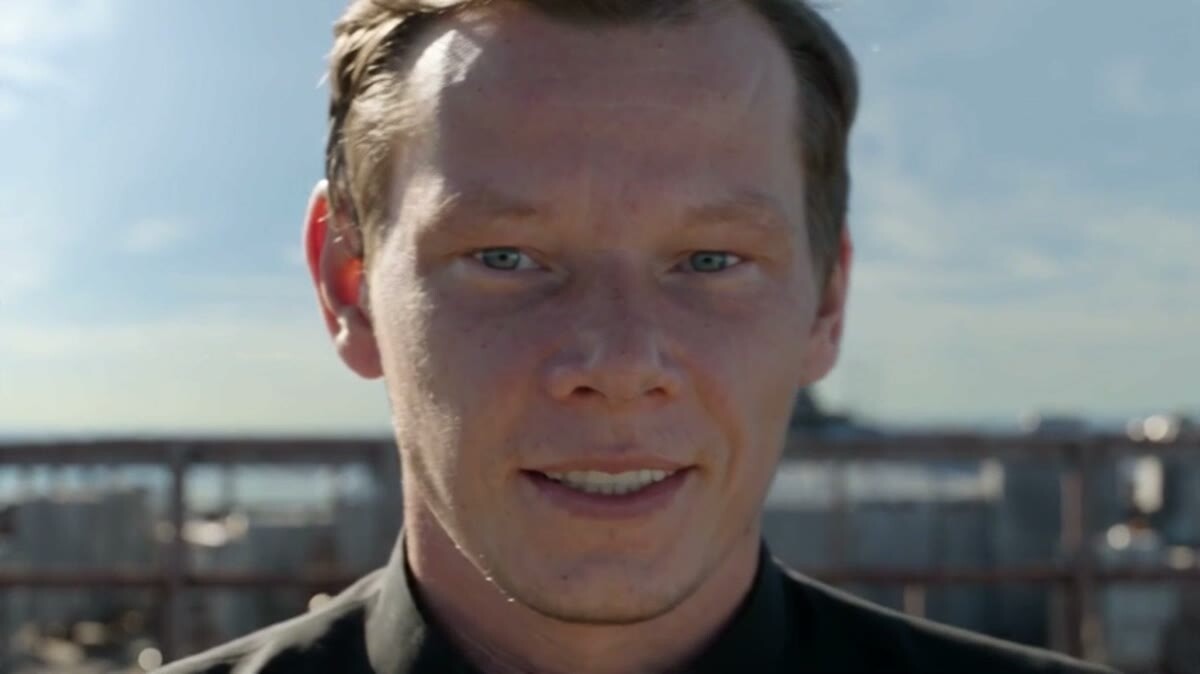
A close-up is its own segment in the shot list, not an accident
Block 4. Rules for the whole clip
The last block holds what does not change from the first second to the last: the color palette, the general character of the camera, the style. If block three describes what happens, this block describes how all of it looks.
Negative prompts live here too, and in 2.5 they started to work. Before, asking for "workers without helmets" produced helmets: the model grabbed the word. Now exclusions are read properly, but I still keep them short and specific.
Two more notes from practice:
Horizontal looks better. The model learned from cinema among other things, so my horizontal clips come out more expressive than vertical ones.
The "improve my prompt" button does not always help. In one test the auto-corrected prompt worked badly while my original worked well. Compare both versions before trusting auto-improvement.
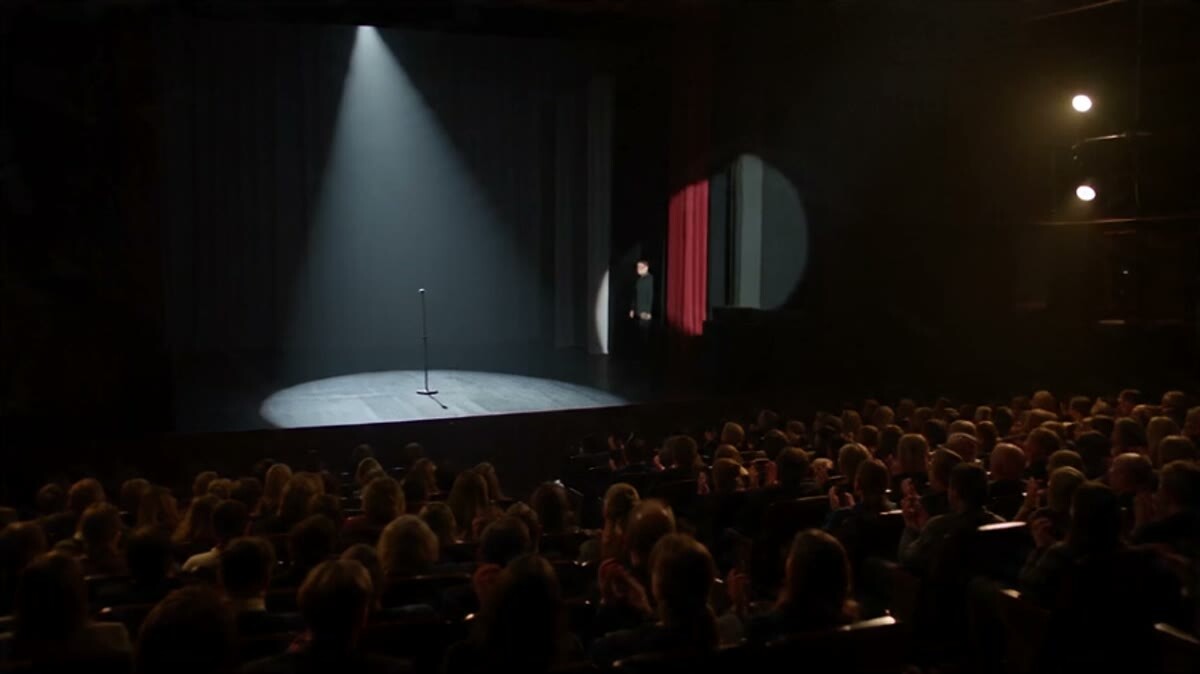
Light and style are what block four holds steady from start to finish
Which language to write in
Seedance understands English, and your first prompts can be written in it. But I write the final version in Chinese and recommend the same: the model is Chinese and reads it more precisely. A workable routine: write in your own language, ask an AI assistant to produce a Chinese version of the same prompt, and send that one to generation.
I hand the routine to Claude skills: in Seedance 2.5, a skill turns my prompt into the four-block scheme. You do not have to hold the whole scheme in your head, it is enough to understand what happens in each block.
An extreme close-up: another line in the shot list
A template to start from
Copy it and fill in your own details:
Loaded: photo 1 is the character; video 1 is the camera movement (if needed).
Synopsis: one sentence about what the clip is.
By the second: 0–3 s, wide shot with what is visible and how the camera moves; 3–6 s, the character acts, camera at eye level; 6–9 s, close-up and reaction; sounds in every segment.
For the whole clip: color, camera character, style; what must not appear in frame.
If the first generation is weak on motion, that is normal: mine often is, and the second or third is already usable. Change one block at a time and watch what changes.
What are the four blocks in a Seedance 2.5 prompt?
It is a structure: what is loaded, a one-sentence synopsis, a second-by-second shot list, and rules for the whole clip. It replaced the free-form text that was enough for Seedance 2.0.
Can I write a Seedance prompt in English?
Yes. I start in my own language, but I translate the final version into Chinese because the model reads it more precisely.
How many references should I upload?
One or two for a first generation. I have never used more than five, and too many photos break the clip.
Should I ask for music in the prompt?
If you add music in the edit, write "no music, only sound effects": the model builds the sound design itself, and the music will not clash.