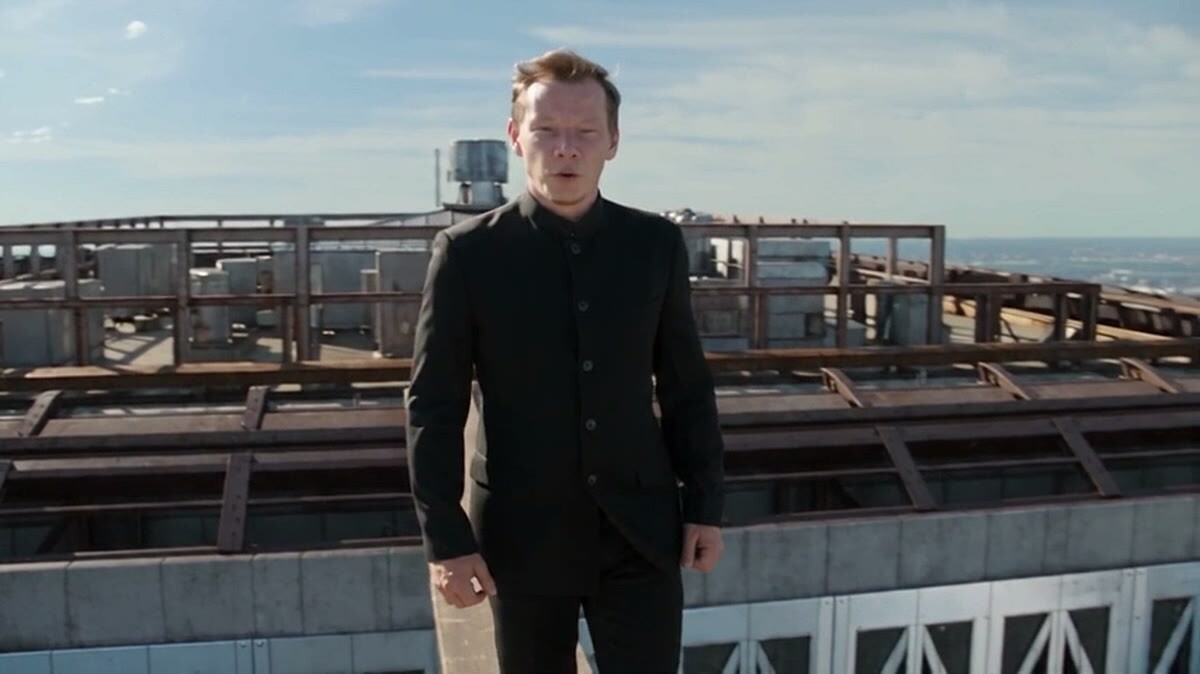
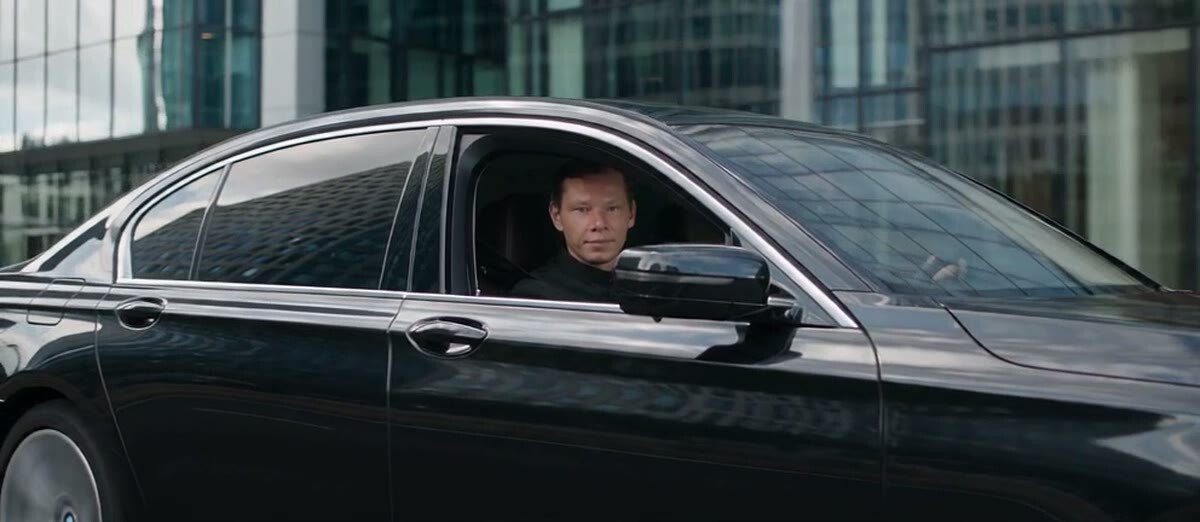
Seedance 2.5 is a video model from ByteDance, the company behind TikTok. My latest clips, where I walk along a steel beam above a skyscraper, speak on a stage and step out of a car, were all made with it. Here is what the model is, how it differs from version 2.0, and how to start without burning through your credits on the first night.
In short
Seedance 2.5 is ByteDance's AI video model that generates video from text and references: images, video and audio. It launched publicly on July 31, 2026. The big changes from 2.0 are up to 30 seconds in a single generation, up to 50 references, and an edit mode for finished videos. Start with one or two references and a prompt broken down second by second.
I spent 13 years shooting commercial video and running a production company, and in 2023 I built AI into my production. So I look at Seedance the way a cinematographer would: does it hold a face, does it understand the camera, could I show this to a client?
What is Seedance 2.5
Seedance is a family of video models from ByteDance's Seed team. Version 2.5 was first shown in June 2026 at ByteDance's Volcano Engine conference (The Next Web) and went public on July 31, 2026: in China on Jimeng and Doubao (TechNode), and internationally on Dreamina, CapCut's AI studio (CapCut Newsroom).
On paper: up to 30 seconds of video in one generation and up to 50 references per clip. TechNode breaks that down as up to 30 images, 10 videos and 10 audio clips.
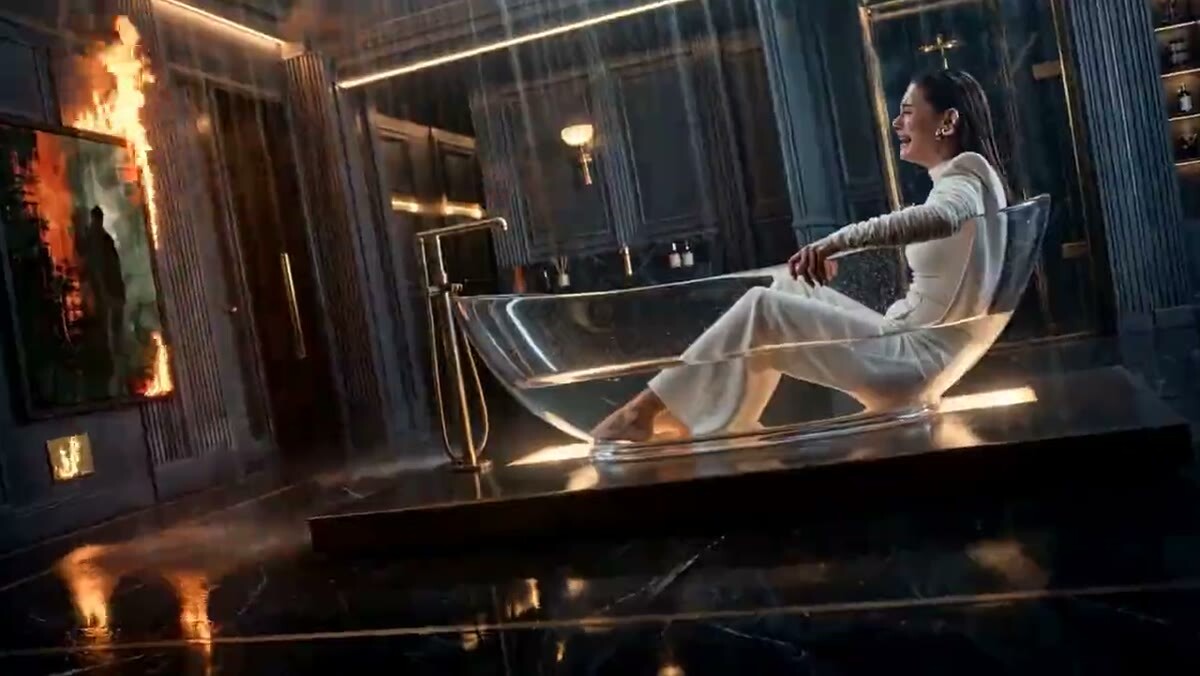
Why is it so good at acting? My explanation is simple. ByteDance trained it on footage of real people showing real emotions every day, and you can see it in the details. Write in the prompt that a woman's chin starts to tremble, add that she is about to cry, and the model gets it and plays it.
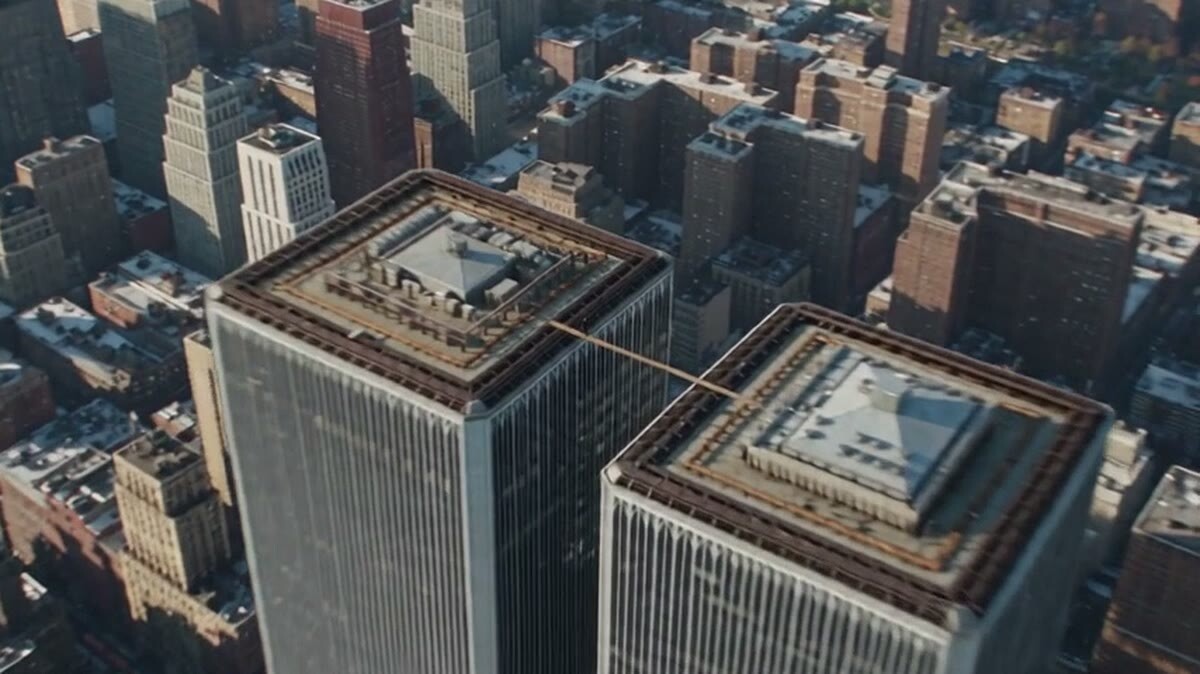
My Seedance 2.5 generation: the roof, the beam and the city are all drawn by the model
Seedance 2.5 vs Seedance 2.0: what changed
Here is how I put it for myself. With Seedance 2.0 you write a prompt and hope it works. With Seedance 2.5 you write a shot list: you spell out what happens on every second, and the model actually reads and uses those details.
What changed in practice:
Length. ByteDance broke the length ceiling: now you can make a whole commercial in one go instead of stitching it from short pieces.
Prompt structure. 2.5 rewards a structured, timed prompt far more than 2.0 did. More on that below.
Reference roles. You can tell the model what to take from an image and what to leave out. Take the cat from the photo, not the sofa. Negative instructions finally work: in 2.0, if I asked for "workers without hard hats", Seedance would still draw the hard hats.
Editing. You can fix a finished video at a specific timestamp: swap clothing, the environment or a detail on a given second. I used to do this in other tools and it barely worked. Here it works on the first try.
Quality. Even at low resolution, 2.5 is noticeably cleaner than 2.0, and characters drift less from frame to frame.
Where to use Seedance 2.5: Dreamina, CapCut and the API
The original lives on ByteDance's own products. In China that is Jimeng and Doubao. Internationally it is Dreamina and CapCut: CapCut announced a rollout to paying subscribers in Europe, Asia, the Middle East and South America, and the edit mode for changing specific timestamps lives right inside CapCut. For developers and companies, the model is available through BytePlus ModelArk in supported markets (BytePlus); BytePlus itself notes that it is not available in the United States.
Many third-party platforms connect Seedance through the API, and here is the catch: not all of them get the same thing. Some offer only part of the modes, and the edit mode in particular is not available everywhere. If one platform gives you noticeably worse results than the rest, check which model version and which modes it actually runs before blaming your prompt.
I generate in two places myself: on ByteDance's own service and on NEUROVER.IO, the platform I co-founded, where we added Seedance 2.5.
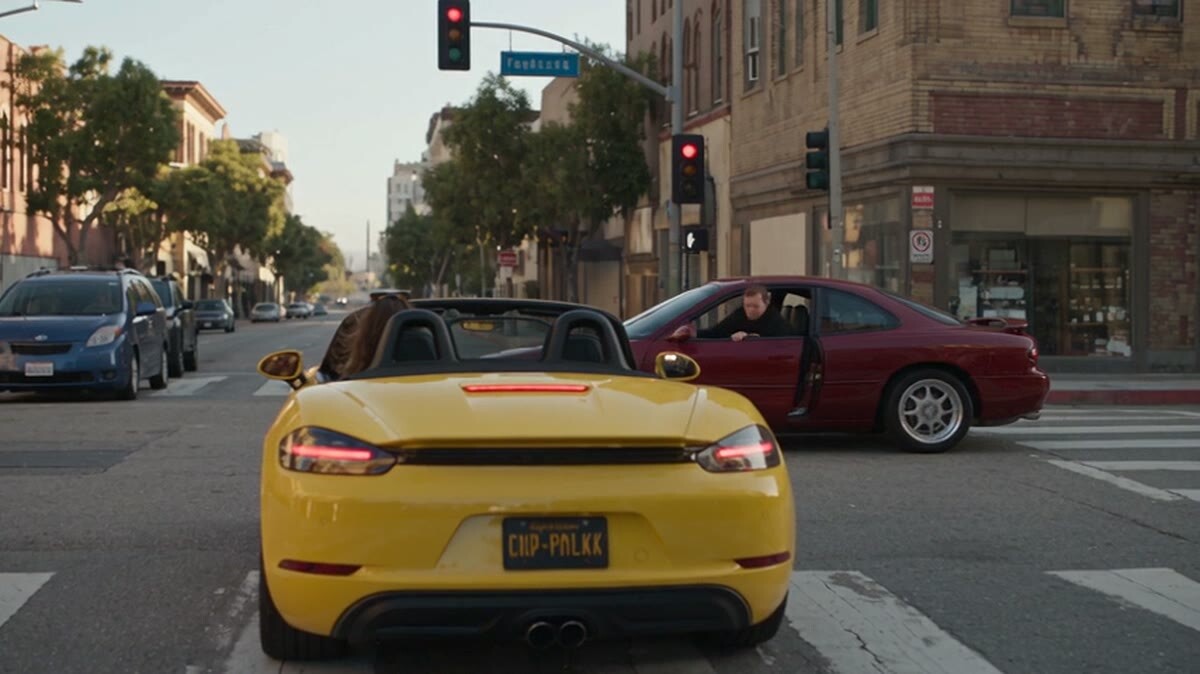
A crossroads, a convertible and a woman at the wheel: one generation, no shoot
Seedance 2.5 modes
Seedance 2.5 is not one "generate" button. There are several modes inside, and you switch between them with the prompt and with what you upload:
Reference to video. You upload images, video and audio, and the model builds a scene from them. This is my main mode.
First frame. You give it a starting image and it brings it to life. If that is your use case, I cover it in detail in how to animate a photo with AI.
Text to video. Just a prompt, no references. Describe the camera, the lens, the light and the director's style, and Seedance squeezes maximum cinematic quality out of plain text.
Extend. Continues a clip you already have.
Edit. Changes a finished video: clothing, environment, individual details. It is practically a different Seedance, with its own reference and its own rules.
How to use Seedance 2.5: your first generation step by step
This is the order I recommend to start with. It is simple, and it saves a lot of credits.
Decide what you want to show before you generate. Don't rush to hit the button. Idea first, generations second, otherwise you are just burning credits.
Use one or two references. Honestly, I have never used more than five. Large sets are for special productions where every detail has to match a brand. Too many photo references often break the clip: a car parks in a strange way, characters get mixed up.
Write the prompt by the second. "Seconds 1 to 3: … Seconds 3 to 6: …". That is how the model understands pacing. Dreamina's own Seedance 2.5 prompt guide recommends the same thing: timed beats instead of one long paragraph.
Describe what is outside the frame. If you want a change of angle, the model needs to know what is beyond the edge of the shot. Once I was sitting on a rock on a beach and didn't describe the surroundings, and Seedance invented so much that I spent a pile of generations before I explained the place to it.
Generate and look honestly. My first generation is often weak on dynamics; the second or third is usually usable. That is normal.
On Dreamina there is also a Draft workflow: a cheap 480p preview first, then a full 1080p render of the version you liked (Dreamina). It is a good habit for exploring ideas.
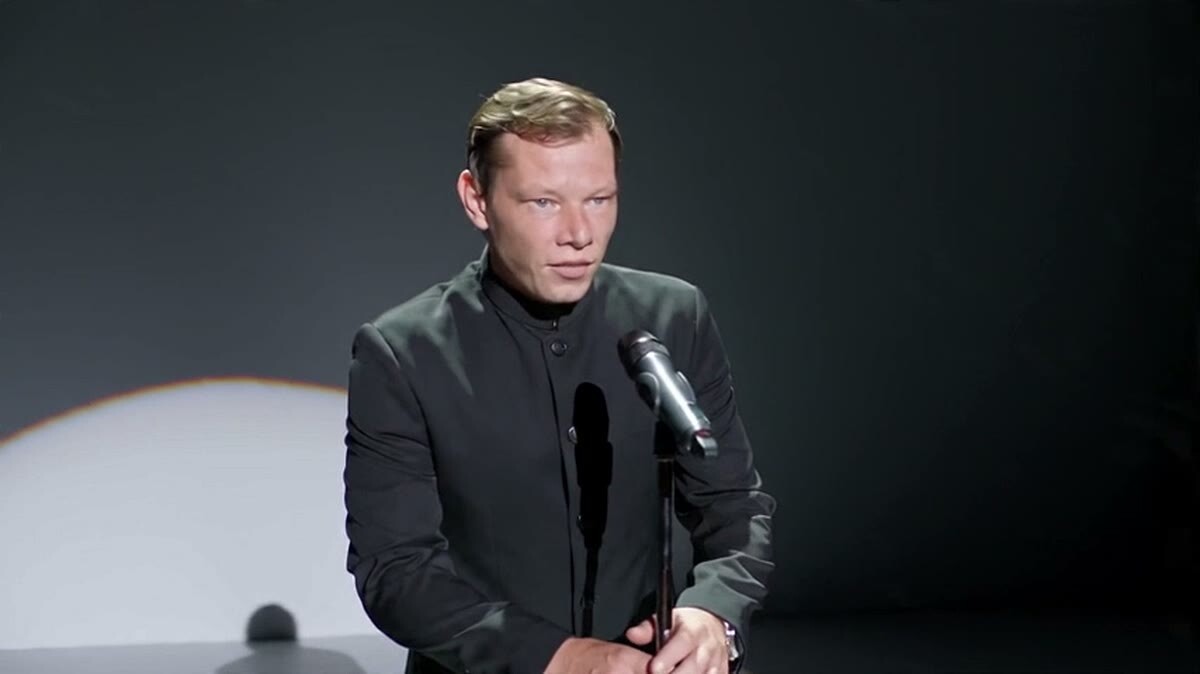
A stage and a spotlight. In clips like this I feed the speech as a separate audio reference
Seedance 2.5 prompt guide: the four-block structure
I always write Seedance 2.5 prompts in four blocks:
What is uploaded. List the references and what each one means: "image 1 is the hero, video 1 is the camera move".
A one-sentence synopsis. What the clip is about, no details.
A shot list by the second. What happens in frame, how the camera moves, what we hear.
One rule for the whole clip. Color palette, camera, style: whatever stays the same from shot to shot.
A couple of things from practice. Seedance understands English prompts well, but I write the final version in Chinese and recommend trying it: it is a Chinese model and reads Chinese more precisely. And I haven't written prompts by hand for a long time. I have my own templates for each type of task, because it is impossible to keep the whole system in your head.
A prompt is a key to a door. You can file your own from scratch, or you can take a key that has already been cut for this exact door.
That is why it is easier to learn from other people's successful prompts: see what works for creators who share their prompts on Douyin and Bilibili, and adapt it. I collected more on this in AI video prompts.
What Seedance 2.5 does well, and where it still struggles
What it does well:
Holding a face and facial expressions from a video reference. From what I see, the model builds a 3D sense of the face, so a video where the head turns gives a closer likeness than a photo.
Sound design on its own. If I am adding my own music, I ask for "no music, sound effects only".
Understanding subtext and emotion, not just actions.
Building out a space: from a single wide shot of a location, it places the camera wherever you tell it to in the prompt.
Where it is still weak:
Long speech generated by the model itself. It will say a word or a short line on its own. For longer speech I feed my recorded voice as a separate audio reference, and Seedance animates the lips to it. Sometimes the voice doesn't come through; then I lay the original recording on top in the edit.
Several speakers in one shot. Keep one character in focus, or the model won't know who should talk. In one of my cartoons, a boar once picked up the duck's line.
Real faces. Official Seedance access has strict moderation of real people. BytePlus, for example, restricts generating from images or videos with real faces and asks for verification and likeness authorization (BytePlus). Plan for this up front if your clip is built around a specific person.
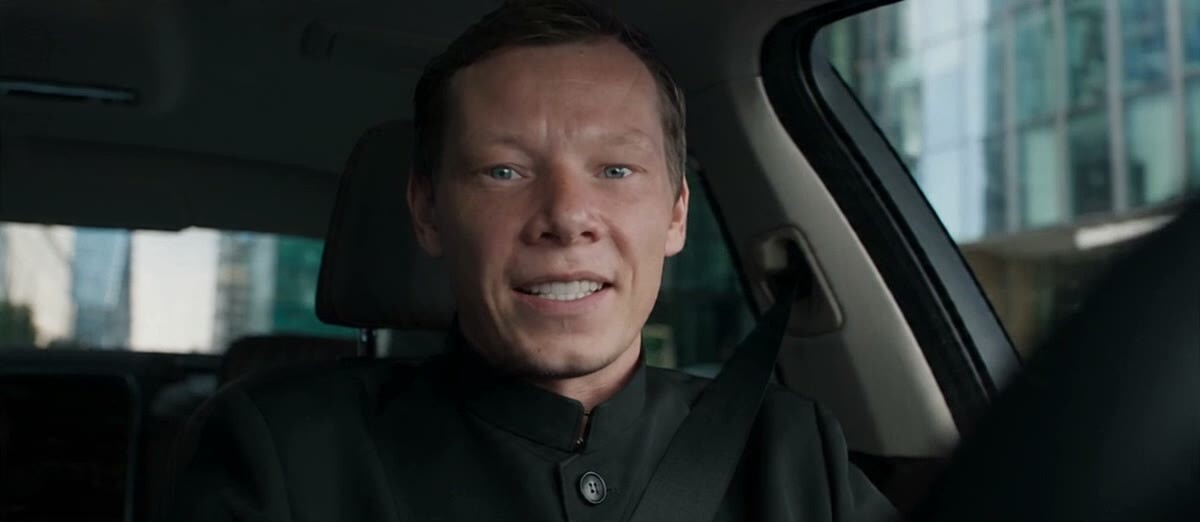
Talking in the car. The voice is a separate recording, the lip movement is Seedance 2.5
What I use Seedance 2.5 for
Long native generation unlocks a simple thing: you can make a whole commercial in one go. That is what the model is built for. My main use cases:
Ads and product videos. Upload your ring or your sneakers, and the model uses exactly those, not lookalikes.
Mini-series and short dramas. A wide shot of the location and a note on where each character stands is enough.
Clips with yourself as the lead for social media, from a video reference of your face.
Animation. I made my first Pixar-style cartoon back on Seedance 2.0, and it came out usable on the second try. In 2.5 characters hold together more consistently.
One more thing about resolution. For social media, lower resolution is enough. Don't pay for the maximum when the feed is going to compress the clip anyway.
If you are just starting with AI video in general, begin with how to make an AI video. And if you want to go deeper, I post more detailed breakdowns and lessons in English on Patreon.
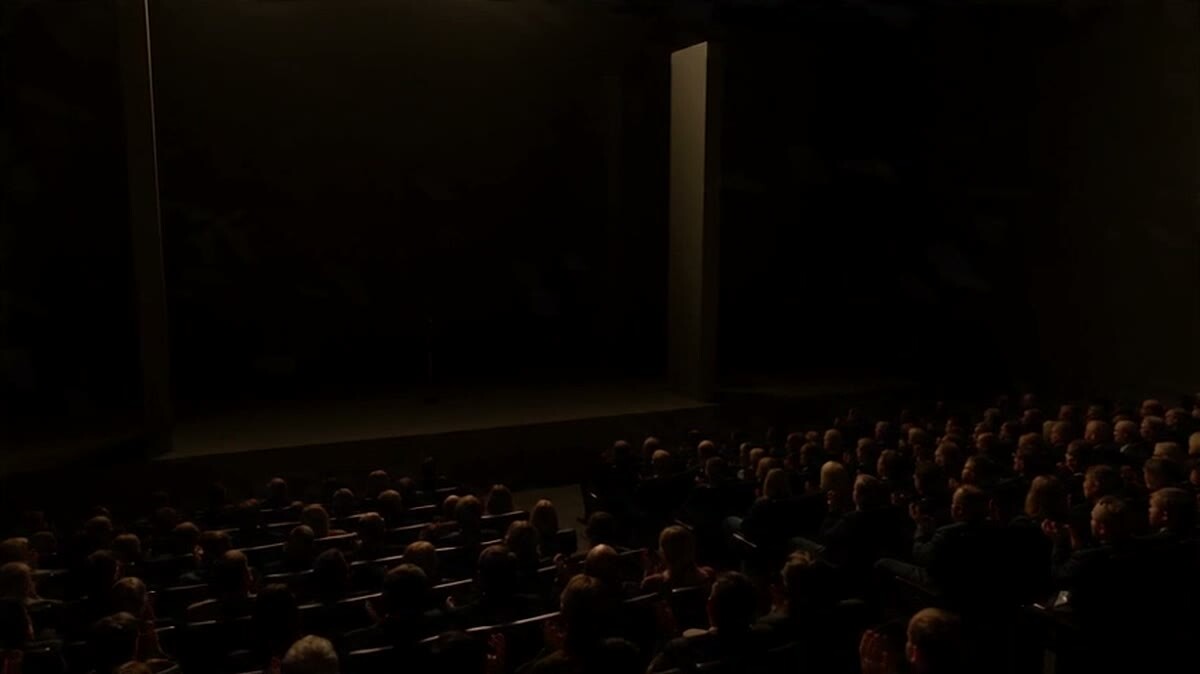
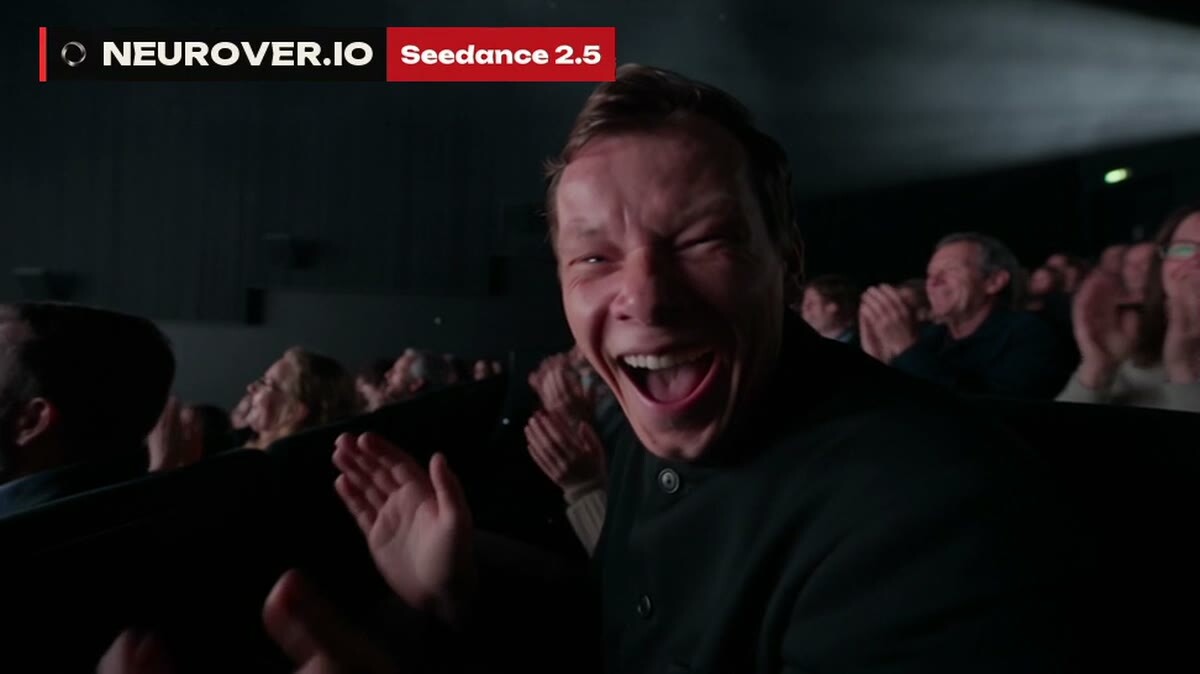
The auditorium from the same generation as the stage above
FAQ
Is Seedance 2.5 free?
Dreamina gives daily free credits, but free access does not cover every model and mode, and a free generation does not guarantee a download without a watermark (Dreamina). For client work you need a paid plan or a platform that runs Seedance through the API.
When was Seedance 2.5 released?
ByteDance showed it in June 2026 and launched it publicly on July 31, 2026. International access through Dreamina and CapCut rolled out to paying subscribers in the following weeks, and BytePlus ModelArk opened API access in early August.
How do I use Seedance 2.5 in CapCut?
Seedance 2.5 sits inside Dreamina, CapCut's AI studio, and CapCut also gets its edit mode for changing specific timestamps, characters or elements in a video. Availability depends on your region and plan.
How many references should I upload to Seedance 2.5?
The limit is 50. In practice one or two is enough for me, and almost never more than five: extra references break a clip more often than they help.
Is Seedance 2.5 better than Seedance 2.0?
Yes, for most work: longer clips in one generation, a structured prompt the model actually follows, working exclusions in references, editing of finished videos and more stable characters. 2.0 is still fine for short, simple clips.