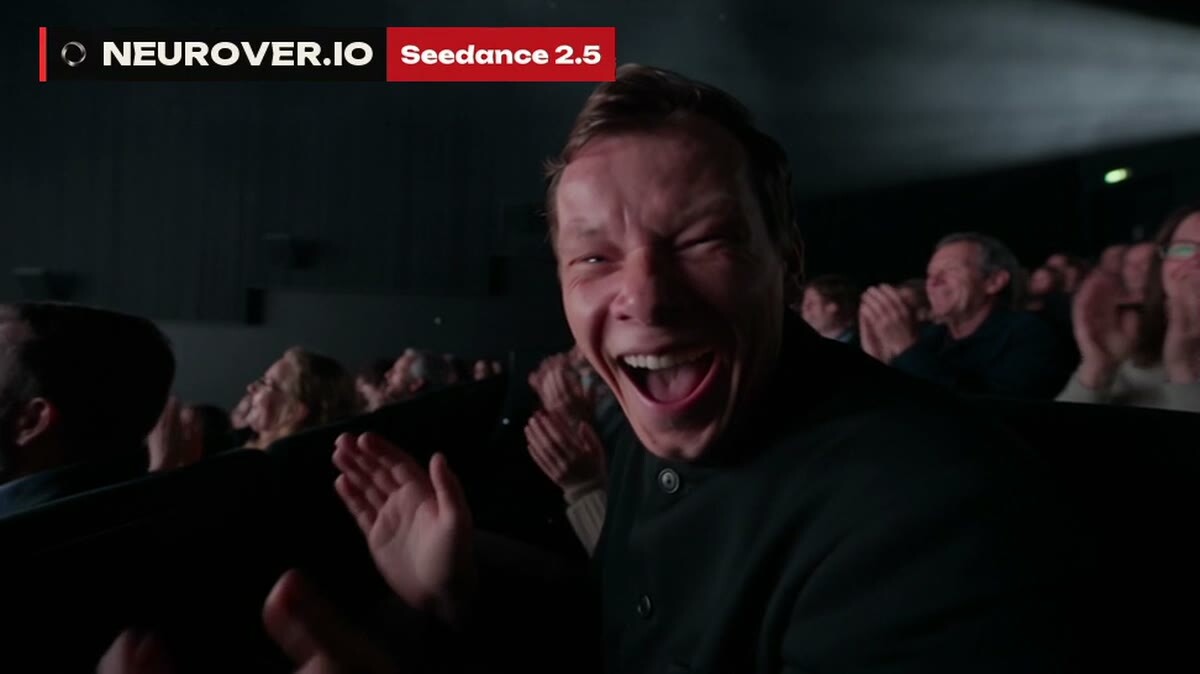
First generation fails. Second one fails. Fifty-fourth, still nothing. Credits burn, your energy burns with them, and you start wondering why you bothered. Nine times out of ten, the model isn't the problem. The prompt is. Here's how I write AI video prompts: the formula I use to build a shot, and the habits that save me generations.
In short
A good AI video prompt answers seven questions: who is in the frame, where, what they're doing, what camera, what light, what mood, what style. Break complex scenes down second by second. Keep edit prompts short: "Remove everything from the table. Change nothing else." And don't write blind: learn from the model's own prompt guide and from prompts that already worked for other creators.
I spent 13 years shooting and running a production company, and in 2023 I built AI into that production. To me, a prompt is the same thing as a brief for a DP and a gaffer on set. The difference is that you're briefing a machine, and it won't fill in the gaps the way you want.
What an AI video prompt really is
A prompt isn't a description of what you'd like to see. The way I put it: a prompt is the key to a door, and behind that door are the best generations a specific model can give you. Every model has its own door. What works beautifully in one gives you mush in another.
A good prompt rests on two things:
The platform's own rules. Video model developers publish how to prompt their models specifically. Read that first.
Other creators' experience. Reddit, Discord, YouTube, and Chinese platforms like Douyin and Bilibili. People there have already figured out what works and what doesn't.
Here's how expensive it is to skip the rules. I spent ages fighting a clip about a card player. Nothing worked. Then it clicked: gambling is illegal in mainland China, and the model I was using is Chinese. I could have known that upfront and kept my credits.
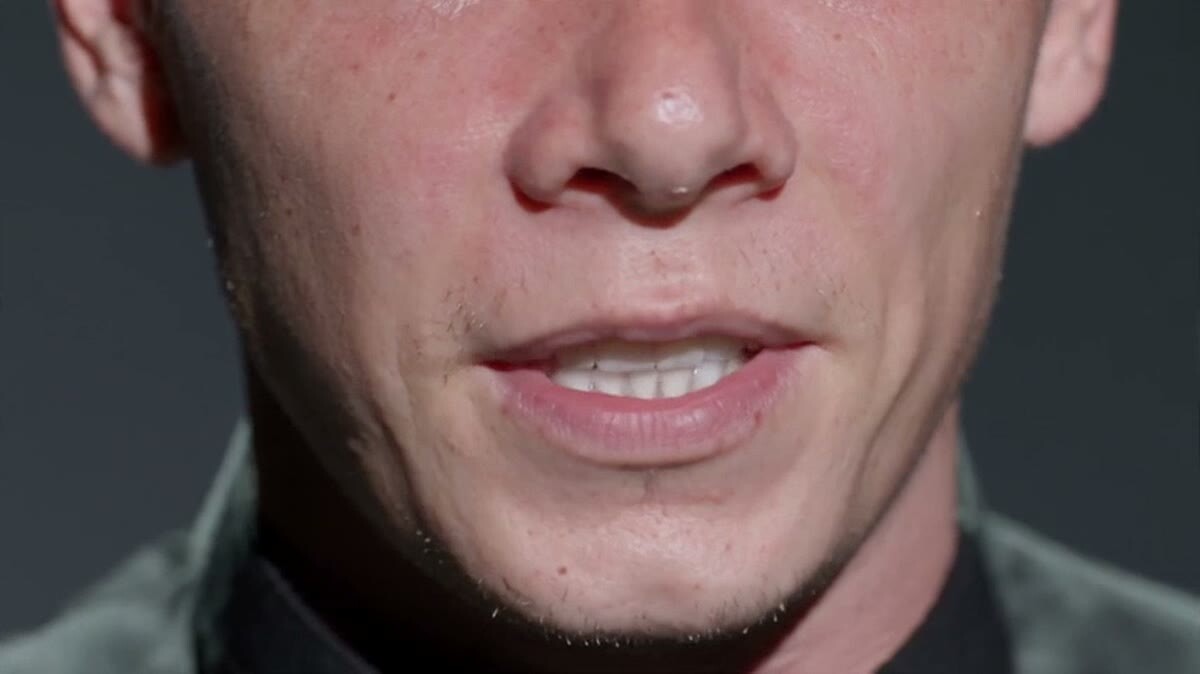
An extreme close-up of eyes from one of my generations. To get a shot like this, you have to name it in the prompt
The AI video prompt formula: seven questions
When I write a prompt for a single shot, I go down this list:
Who is in the frame: appearance, wardrobe, age.
Where: setting, time of day, weather.
What is happening: action, emotion.
Camera: say, an IMAX camera or an iPhone, shot size, movement.
Light: where it comes from, what kind, what color.
Mood: tension, comfort, unease.
Style: a director, an era, a color palette.
People underrate that last one. Name a director, and the model doesn't just frame the shot his way. It regrades the whole image toward his color. When I picked Akira Kurosawa's style for one drama, that single choice set the look for everything that followed.
ByteDance's own Seedance 2.5 prompt guide on Dreamina lands in the same place with its own order: format, subject, action, environment, camera, look, timing, audio and constraints. Different labels, same idea: you're writing a director's brief, not a pile of adjectives.
Breaking a prompt down second by second
If a clip has more than one action, I almost always split the prompt by timecode: "from second 1 to 3, ...; from second 3 to 6, ...". That way the model understands pacing instead of cramming everything into one movement.
With Seedance 2.5 this has become the standard way to work. ByteDance released the model on July 31, 2026, it generates clips up to 30 seconds, and the Dreamina guide writes timing as beats, like "00–06s setup; 06–18s demonstration". Outside China you can use it in Dreamina (CapCut's AI studio), and developers get it through BytePlus ModelArk. I go deeper into the model itself in Seedance 2.5: what it is and how to use it.
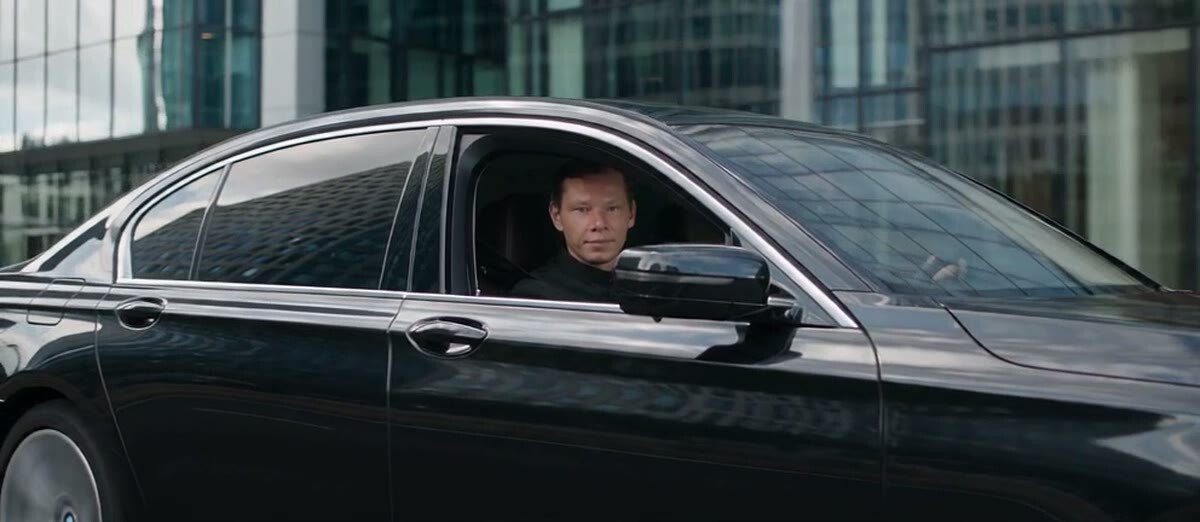
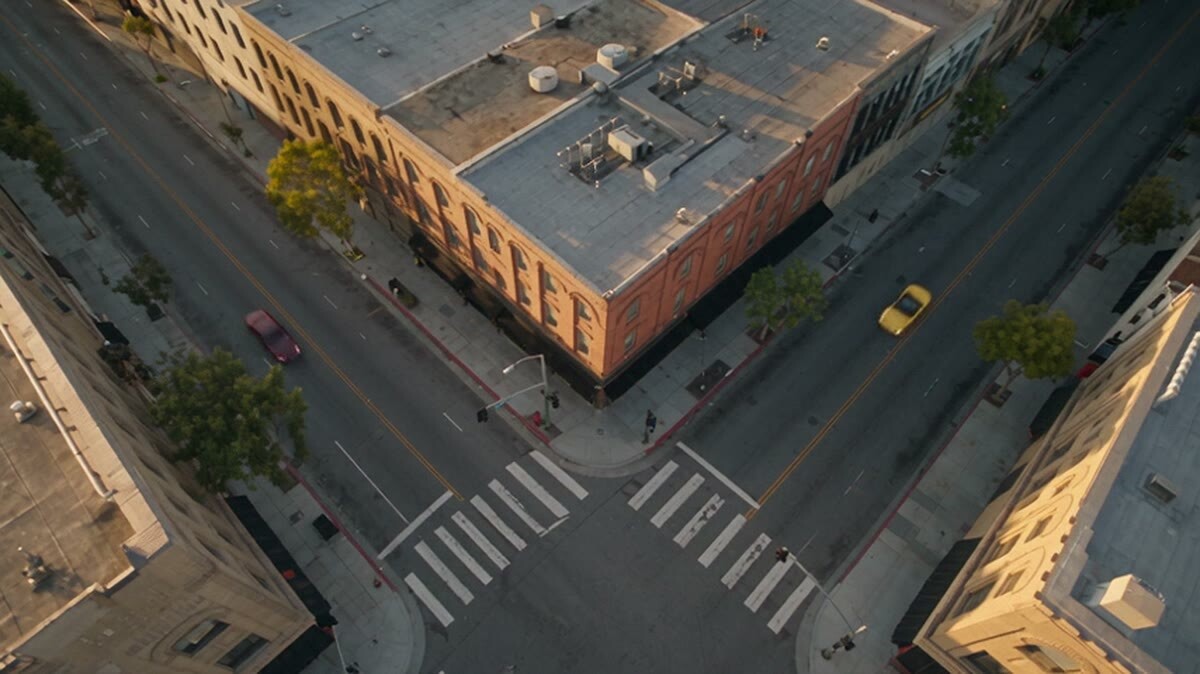
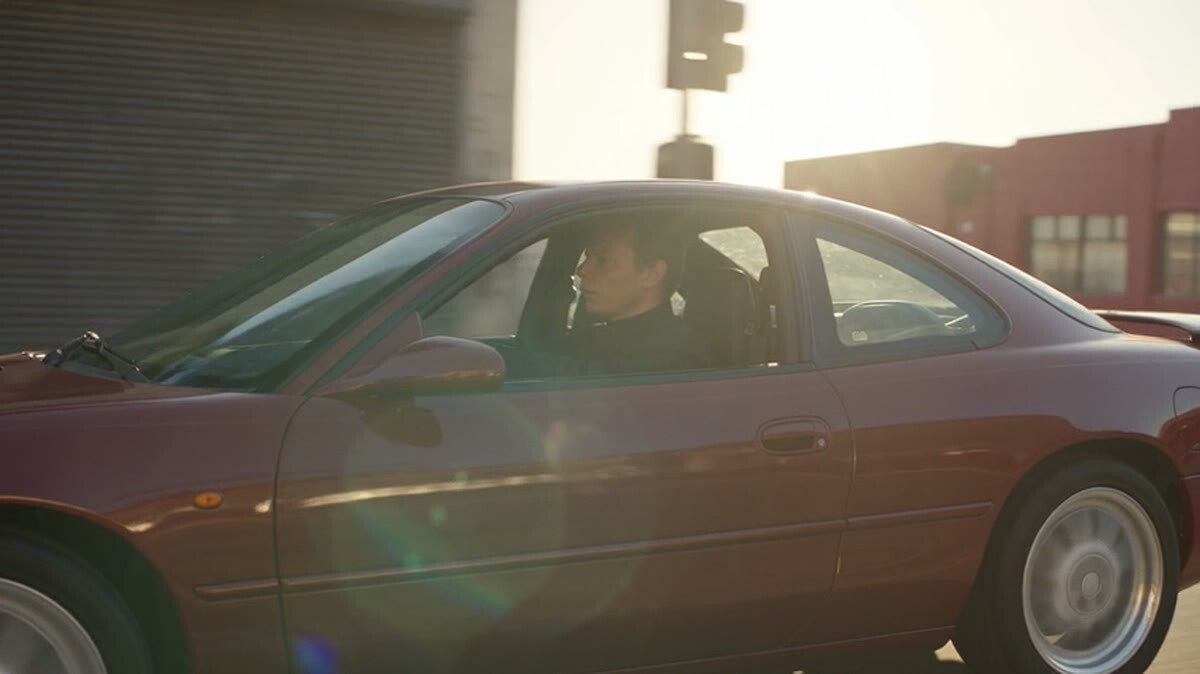
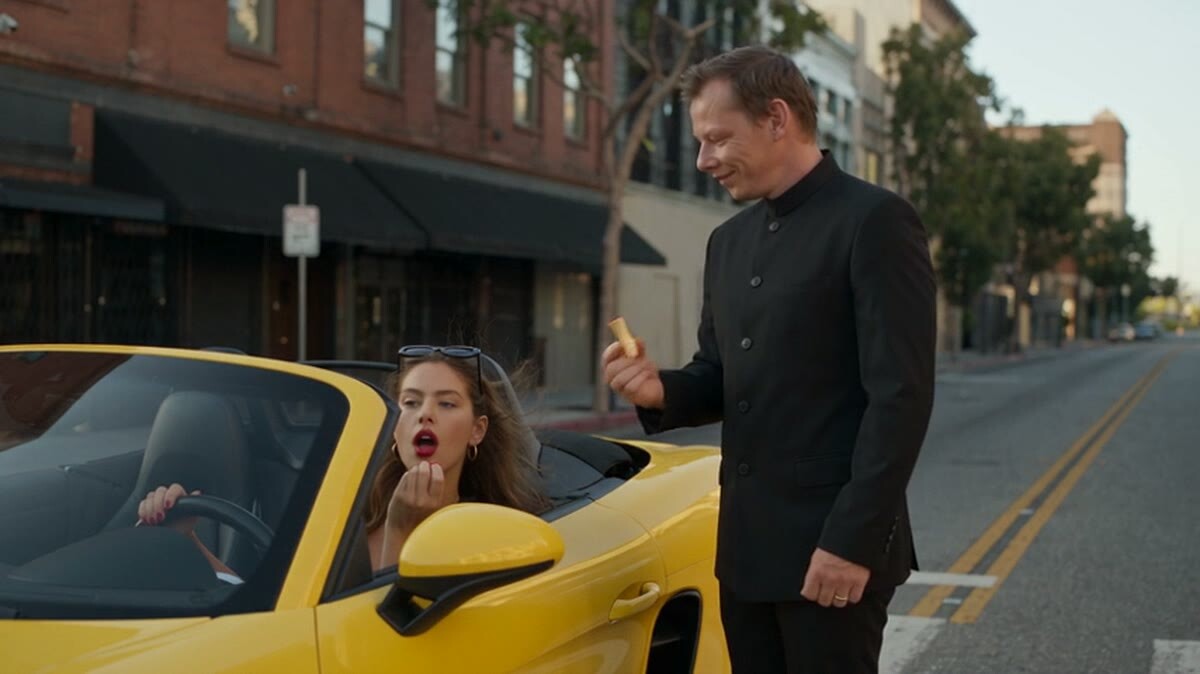
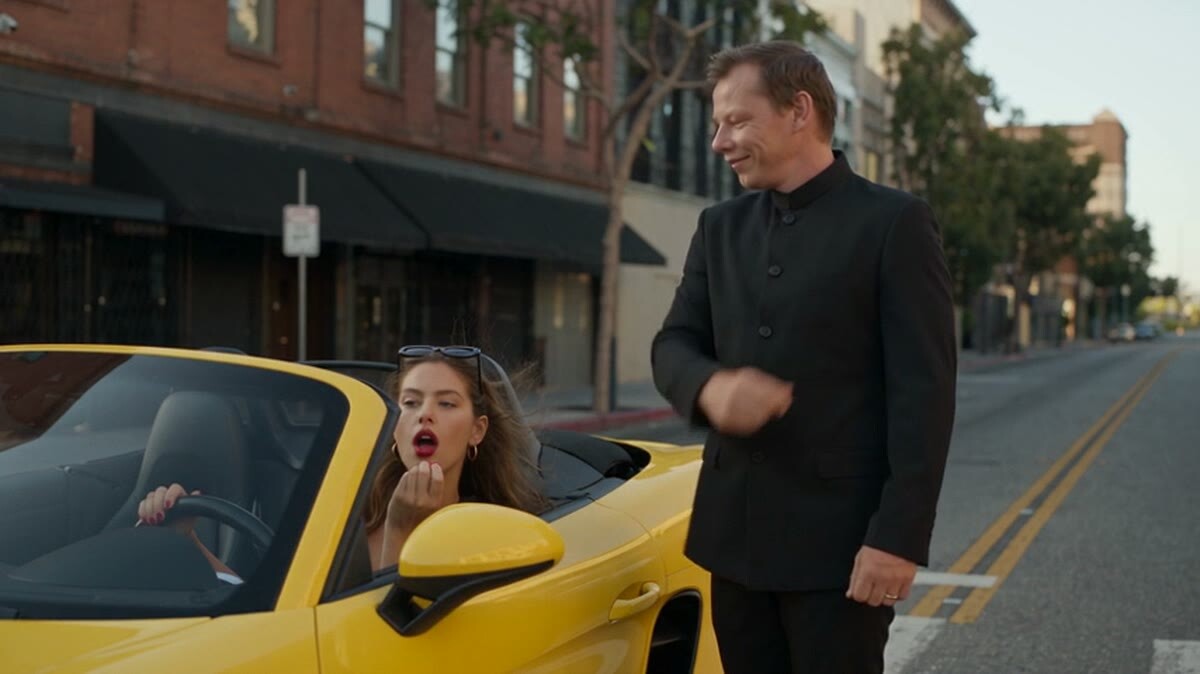
The first seconds of the intersection scene. The timecodes then cover the hero stepping out, the convertible, and the dialogue
Camera in the prompt: when to write it and when to skip it
There's no single rule here, and that's fine.
If you don't know lenses, don't torture yourself. Pick the service's built-in camera presets or just write the shot size: "close-up", "wide shot".
If you do know lenses, use them. When you're changing an angle, the lens and the distance can make or break the result: "three times tighter, portrait lens."
Sometimes it's the other way around. Once, the AI that was helping me draft a prompt added "shot on RED camera" on its own. For that job it was noise. I cut it and asked for a plain description of the location instead. Put the camera in the prompt when it actually decides something in the frame.
Why simple prompts often work better
I went through a phase of building huge systems: roles, written rules, dozens of lines. I'll admit I still feel the pull to overcomplicate things. But again and again, something this simple did the job.
Short prompts I actually use when editing shots:
"Remove everything from the table. Change nothing else."
"Add the platypus from the first photo to the second one. It's sitting at the table, feet dangling a little off the chair."
"Change the character's outfit to a business suit. Change nothing else."
The key phrase is "change nothing else." Without it, the model will happily redo half the frame.
Two characters in one frame is the hardest setup. The prompt has to make it clear who is speaking
Prompts for AI video with sound and dialogue
Current video models generate sound on their own. A few things I've noticed:
If you'll add music in the edit, say so: "no music, sound design only." Dreamina's guide gives the same advice: state audio behavior outright, like "no background music."
If a character speaks, keep one speaker in focus. Otherwise the model mixes up who says the line.
To keep a character's voice the same from one generation to the next, describe it in the prompt, the same way you lock in a director's style. Putting a voice into words is hard, but AI can do that part for you.
How I write prompts now: with an AI assistant
Honestly, I haven't written video prompts by hand in a long time. Nobody can keep every model's rules in their head, and they keep changing. So I keep separate instructions for an AI assistant, one per type of job: one for animation, one for product videos, one for ads. Each one knows its job well.
I describe the idea in my own words, and the instruction turns it into a prompt built on that model's rules. Here's one of my ideas, said in plain language: "I walk into an English pub and ask the bartender for a double whisky. A drunk guy comes up and says I'm in his seat. I slow time down for a second and a half." The clip from that prompt worked on the first try. It looked like a movie.
One rule I don't break: I read everything the AI wrote, start to finish. It can miss things or not know them.
The seven-question formula above is enough to get started. I post deeper breakdowns and lessons in English on Patreon, if you want to see how this workflow plays out on real projects.
A close-up of speech. For shots like this the prompt is short, and there's only one speaker
Where to find AI video prompts when you don't have your own yet
The best starting point is something that has already worked. Build yours on top of it. I used to scroll Douyin late at night, find talented creators, and use their prompts as a base. Later I found my own slow-motion prompt in that same feed after it had spread around the world. That's how inspiration circulates, and there's nothing to be ashamed of.
My motto here is simple: use it, adapt it, push it further. A prompt that works can be multiplied. Ask the model to change the color palette or the camera moves, and keep the style the same.
Generating blind. When a generation fails, figure out what broke first. A random glitch gets fixed by regenerating. A mistake in the prompt only gets fixed by editing the text.
Not describing what's outside the frame. When you change the angle, the model invents the missing space on its own, and often gets it wrong.
Not saying the person is talking to camera. On the new angle they'll turn away and keep talking into empty space.
Too many references. Extra photos break a scene more often than they help.
Trusting auto-enhance blindly. The built-in "improve prompt" button is useful, and I use it a lot. But I've had cases where the rewritten prompt flopped and my original worked. Compare them.
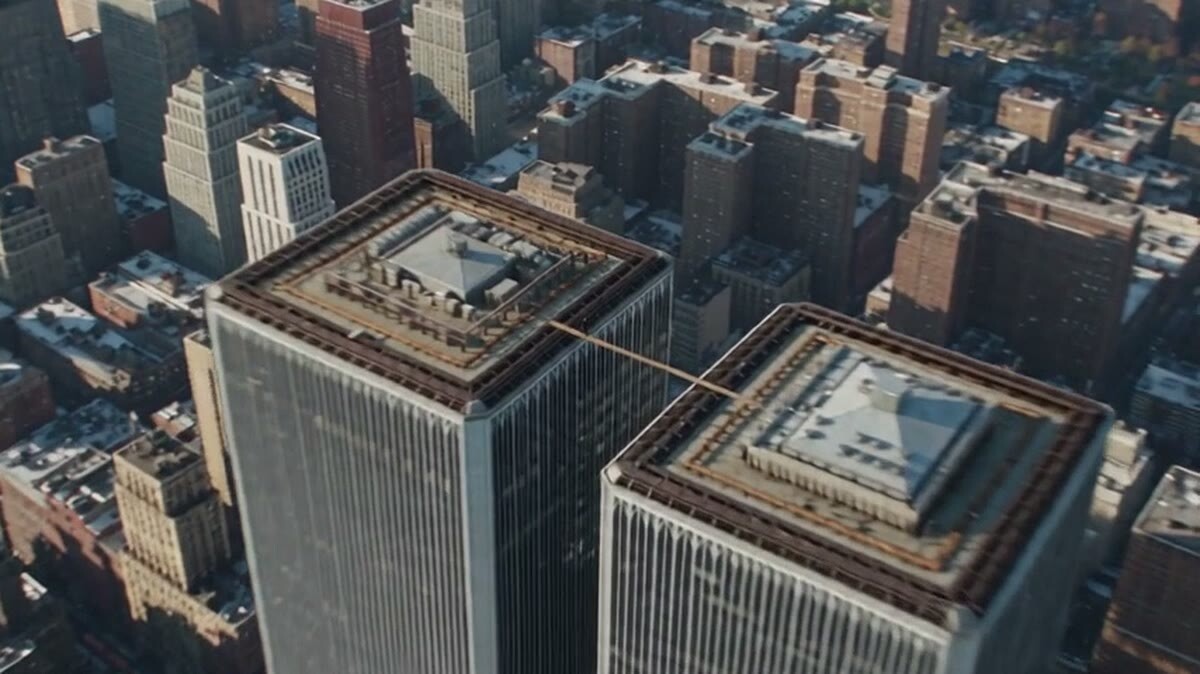
A wide shot of the intersection from the same generation. The model holds the whole city together
FAQ
What language should I write AI video prompts in?
English works well for most models. For Chinese models like Seedance, I sometimes translate the final prompt into Chinese because it comes out more precise.
How long should an AI video prompt be?
As long as it takes to answer the seven questions: who, where, what, camera, light, mood, style. For editing a shot, one or two sentences are enough.
Where can I find good AI video prompt examples?
In the official prompt guides for each model and from creators who share their prompts. Take one that works, adapt it to your task, and change one parameter at a time.
Why doesn't the AI video model follow my prompt?
The usual reasons: the prompt runs into the model's content rules (like gambling in Chinese models), it's overloaded with detail, there are several speakers in the frame, or there are too many references.
Should I specify the camera and lens in a video prompt?
Only when they decide something in the frame. If you don't know lenses, use the service's camera presets or a simple shot size.