To make an AI video, you don't need a camera, actors or lights. You need an idea, a couple of good reference frames, a video model and the patience for two or three takes. I spent 13 years shooting and running a production company, and in 2023 I built AI into that production. Below is the whole path, step by step, in the order I actually work.
In short
How to make an AI video: 1) define the idea and the goal before you generate anything; 2) write a script with a shot list — a language model can draft it; 3) prepare reference frames (your character, product, location); 4) generate the scenes in a video model such as Seedance 2.5 or Kling; 5) edit the film and add sound and music. Most of the effort goes into steps 1 and 3, not the generation itself.
What an AI video actually is
An AI video is a film where the image, the motion and often the sound are produced by a model from your description and references. You describe the scene in text (the prompt), attach photos or video, and the model generates the shots.
Here's the shift that took me a while to get. When you make video with AI, you become the entire crew: camera operator, writer, gaffer, editor, colorist and prop master. The model draws the pictures. The decisions are still yours.
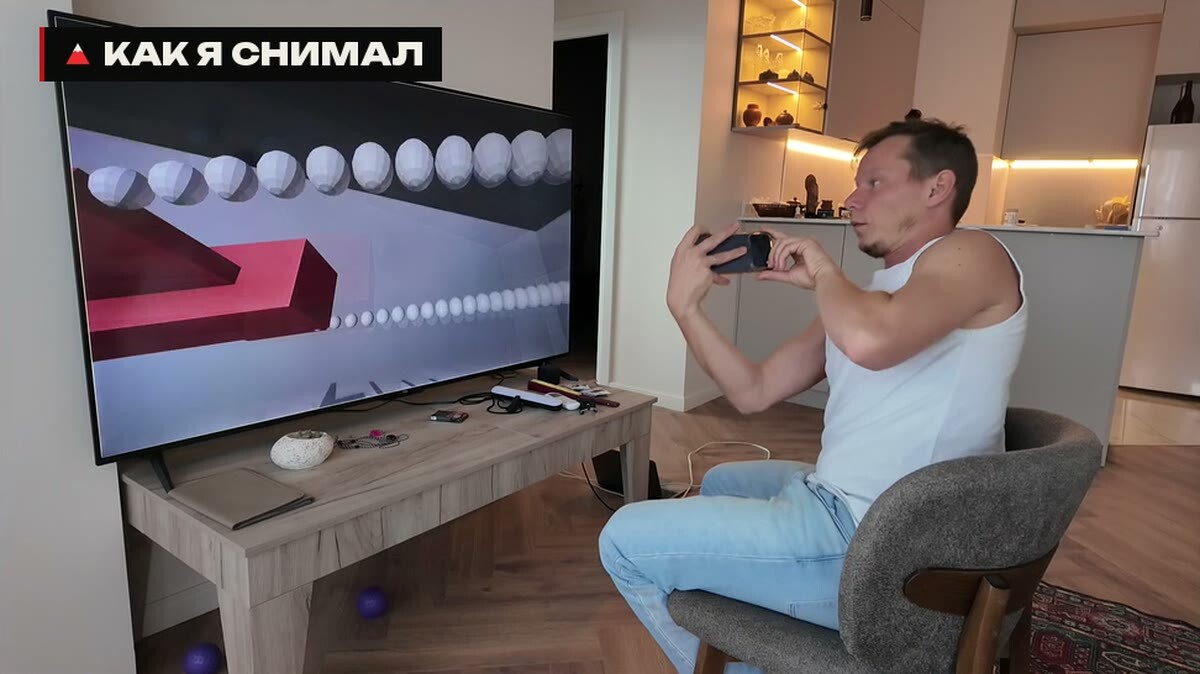
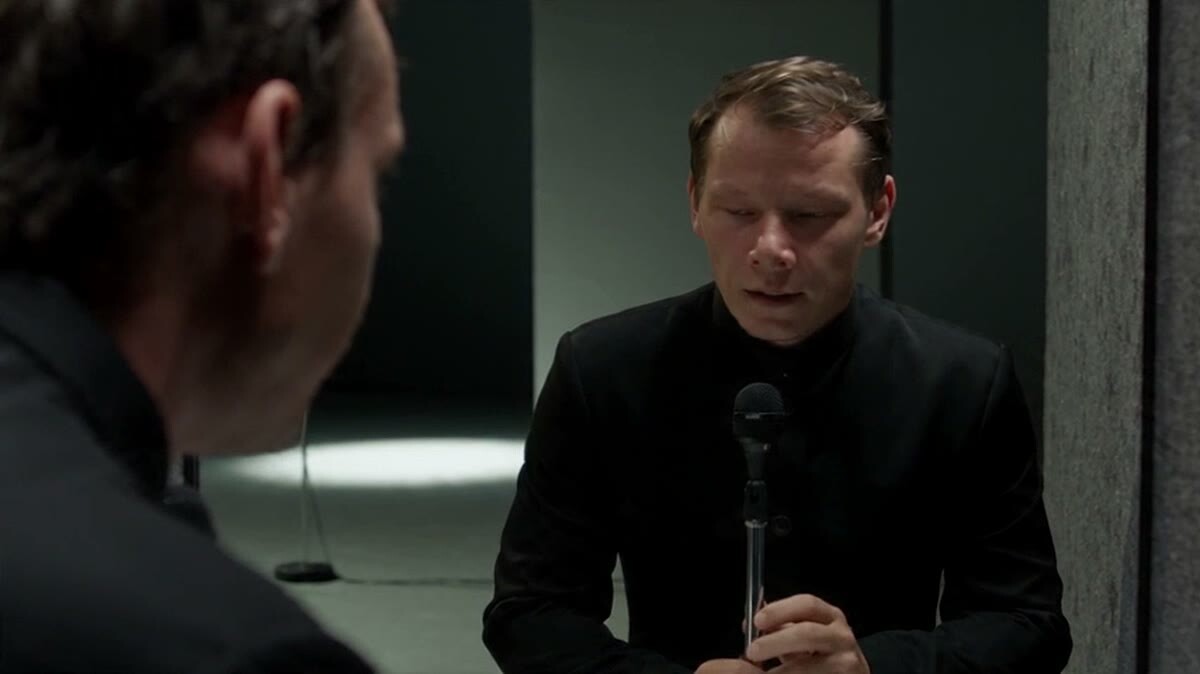
This is what a 'shoot' for my AI film looks like: I'm at home, the model renders the movie
Step 1. Idea and goal — before your first generation
The most common beginner mistake is to jump straight into generating. Don't. Idea first, then start burning credits.
The goal has to be concrete too. "I want a million views" isn't a goal, it's a side effect. A goal is what the viewer sees and feels, on which platform, in how many seconds.
Where ideas come from:
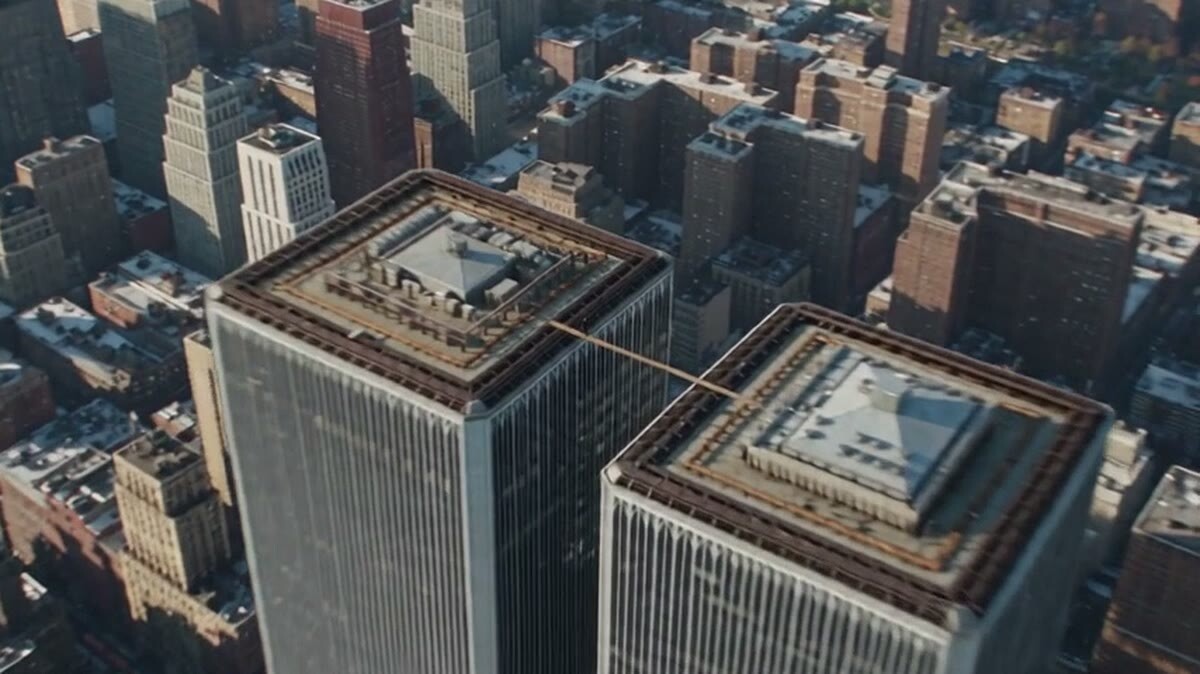
Rework someone else's winner. My main tool and the most reliable one. Every big film is a remake, a rework or a reinterpretation of something older. I didn't invent the slowed-time genre — I remembered a scene from X-Men, turned it into a prompt, and that prompt went on to travel around the world.
Ask AI for ideas. Describe the goal in detail: the product, the length, the platform, what you already have. Let the model give you twenty options. The film that won me the official Telegram contest started exactly like that — I went through maybe a hundred ideas before one clicked.
Invent from scratch. The lowest odds. Of the ideas I came up with entirely on my own, one or two worked — and that's with my experience.
Step 2. Script and shot list
Once the idea is chosen, you need a shot-by-shot script: what's in each shot, how many seconds, how the camera moves. This is easy to hand to a language model — Claude, ChatGPT, Gemini, any of them will do. Something like: "write an ad script with a shot list for this idea."
Check two things. Can a friend get the point in two sentences? And what makes someone watch to the end? Viewers decide in about a second and a half whether to watch or scroll. A title card at the very start costs you retention immediately.
A frame from my episode about editing with Claude
Step 3. Reference frames
This is the most labor-intensive step, and the "make a movie in five minutes" videos never mention it. The main problem with video generators is drift: a few seconds in, the character stops looking like themselves. Seedance 2.5 handles this noticeably better, but you still start holding a character with references.
So control starts with images:
Character. One good photo, or a video with a head turn. For my own face I use a video reference — it gives a closer likeness than a photo.
Product. For an ad, a photo of the product in almost any quality is enough. The model will use your sneaker or your ring, not something that looks like it.
Location. Places that repeat across shots deserve their own reference frame. Let the model invent everything else.
How long does this take? On one ad, an hour and a half went into the opening frame alone. After that, everything moves fast.
A tip that saves money: control the generation only where shots and angles repeat. Leave the rest to the model.
Step 4. Generating the video
Now the video model. Most of the time I work in Seedance 2.5: it's the best at acting with people and it makes a long scene in a single pass. ByteDance released it on July 31, 2026 (TechNode); outside China it's rolling out through Dreamina by CapCut, with clips up to 30 seconds and up to 50 references per generation (CapCut Newsroom), and through the BytePlus ModelArk API (BytePlus). Availability differs by country, so check what's live where you are. The full breakdown is in Seedance 2.5: what it is and how to use it.
But the generator is a detail. If a better model comes out, or you already pay for another service, generate there. The rest of the system stays the same: idea, script, frames, edit.
The first take is often weak on energy. The second or third is usable.
Everyone gets bad takes: the character is standing when they should be sitting, the logo doesn't read, one shot "melts." Failed generations simply get replaced.
If it didn't work, find out what broke. A random glitch is fixed by regenerating; a prompt mistake is fixed only by rewriting the text.
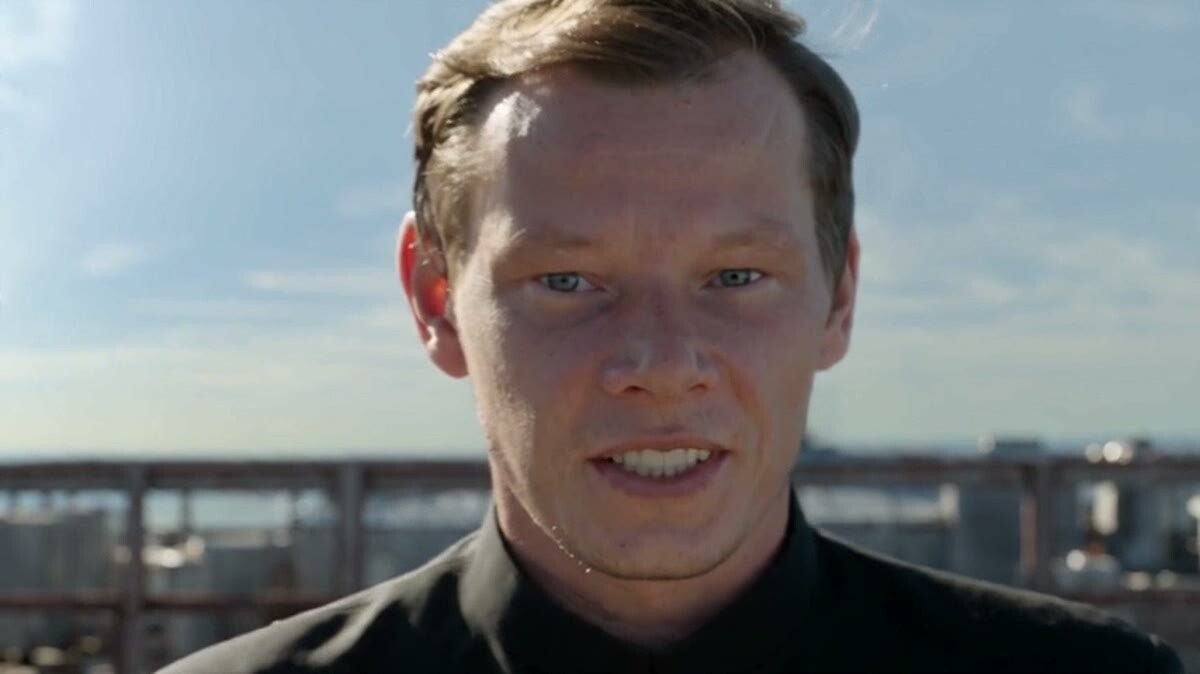
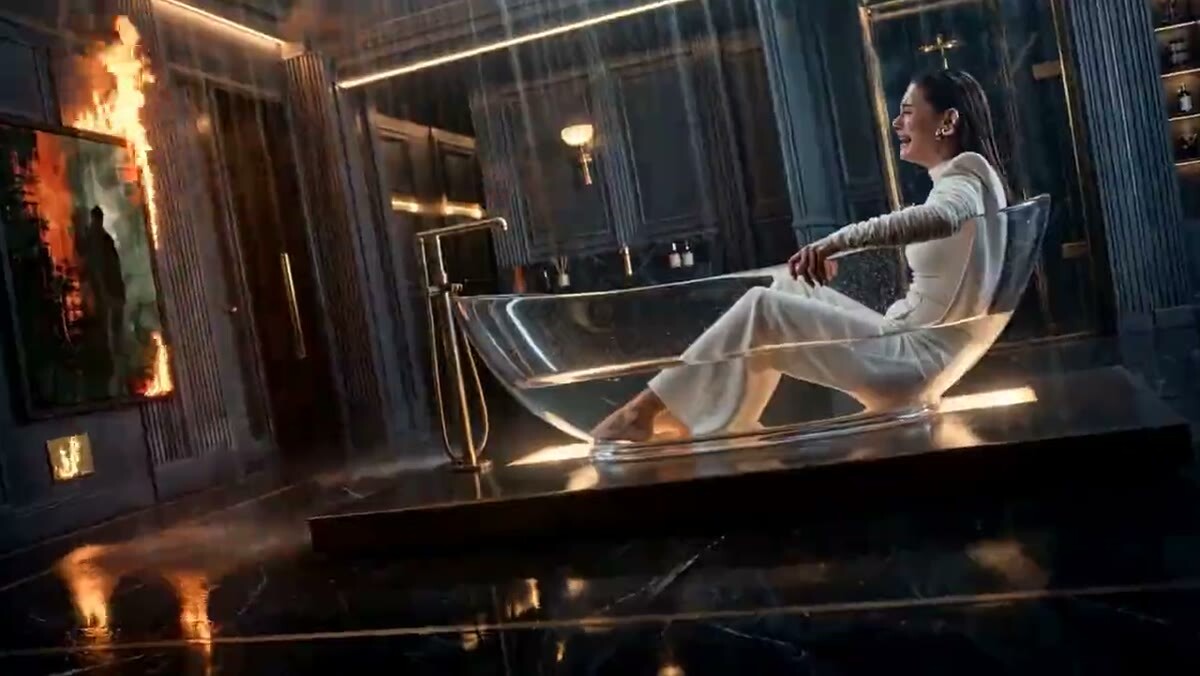
A close-up from my Seedance 2.5 generation
Step 5. Sound, music and the edit
Video models already generate sound design. If I'm bringing my own music, I write "no music, sound effects only" in the prompt and lay the track in during the edit.
Voice:
A real recorded voice still sounds more alive than synthesis. I voiced a practice ad for a bank myself — no reason to pay a voice actor for that.
If you need a synthetic voice, free text-to-speech tools give decent results. Just make sure you pick the right language and accent.
The edit is assembling the best takes, color and sound. I cut my films in DaVinci Resolve and hand routine work, like sorting footage, to Claude. Logging 150 clips from my China travel vlog cost me next to nothing.
That's the core workflow, and it's enough to finish your first film. The deeper parts — ad and product films, holding a character across a series — are where I go into detail in my lessons. I post deeper breakdowns and lessons in English on Patreon.
How much it costs and how long it takes
Prices depend on the model and the platform and change every month, so I won't quote a number that's out of date next week. A better rule of thumb: budget two or three takes per scene, not one.
On time: one episode of a micro-drama is one day of work for one person. In my experience that's pocket change compared with a real shoot, where a single episode can cost tens of thousands of dollars.
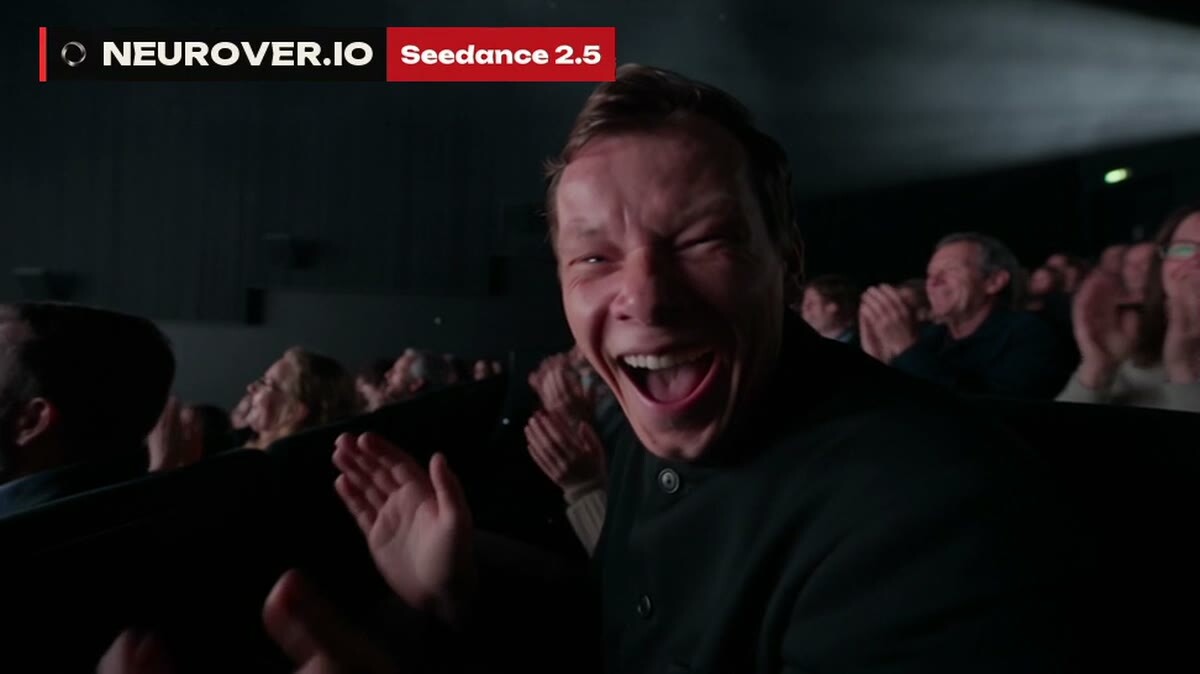
A stage and an audience — no venue rental, no lighting rig
Beginner mistakes
Generating without an idea. The fastest way to waste credits.
An inconsistent character. The person looks different from one scene to the next, and the film instantly reads as amateur.
Stock faces. Perfect, generic faces don't stick. The more imperfection, the more memorable the face.
TV commercials on social. People leave TV for real emotion. You can shoot it cinematic, but the script has to be native to the feed.
Music at one level the whole way through. Without sound accents, the emotional beats don't land.
FAQ
How to make AI videos for free?
You can try it for free: many services give daily free credits, and some image generators cost nothing. But free tiers often add a watermark and cap the quality. For regular work you'll need paid access.
What is the best AI video generator?
For people and long scenes I choose Seedance 2.5. But the generator is easy to swap: if you already pay for another service, the workflow doesn't change.
How long does it take to make an AI video?
One generation in Seedance 2.0 at maximum settings took me about four minutes — and with someone else's proven prompt, those four minutes produced a finished ad. An ad with your own character and brand takes longer: most of the time goes into the idea and the opening frames, not the generation.
Do you need filmmaking skills to make AI videos?
No, but understanding framing, light and editing helps a lot. Without it, the model will give you a beautiful shot but won't know what the next one should be.
How to make an AI video of yourself?
You need a good reference of your face — ideally a video with a head turn. Keep in mind that some models have strict moderation for real faces.